IPMI
(login the portal)
first, login into the portal and check the IPMI information (also you can check the email)


If ipmi’s IP conflicts with the machine’s network segment,it need to lift null route , the way to test is is visit the ipmi to see it works or not, or open the control panel via portal, if it can’t it means you need to solve that.

login IPMI
open your ipmi url via browser and you will see a mini black box, click it and download the ipmi connect file

config JAVA environment
IPMI need JAVA, so you need to have a JAVA environment, but the jave can’t be newest, becauase some hardware may not support the newest java, so 8U333 version may works most.
After you installed the jave , config it, pick safe ,and add the ipmi web url into the white list

now we need that ipmi connect file, you can open it via notepad and you can see the ipmi manage url, copy that and add it into the white list too.

mount ISO
After all of that, you can open the ipmi connect file, and you will see that

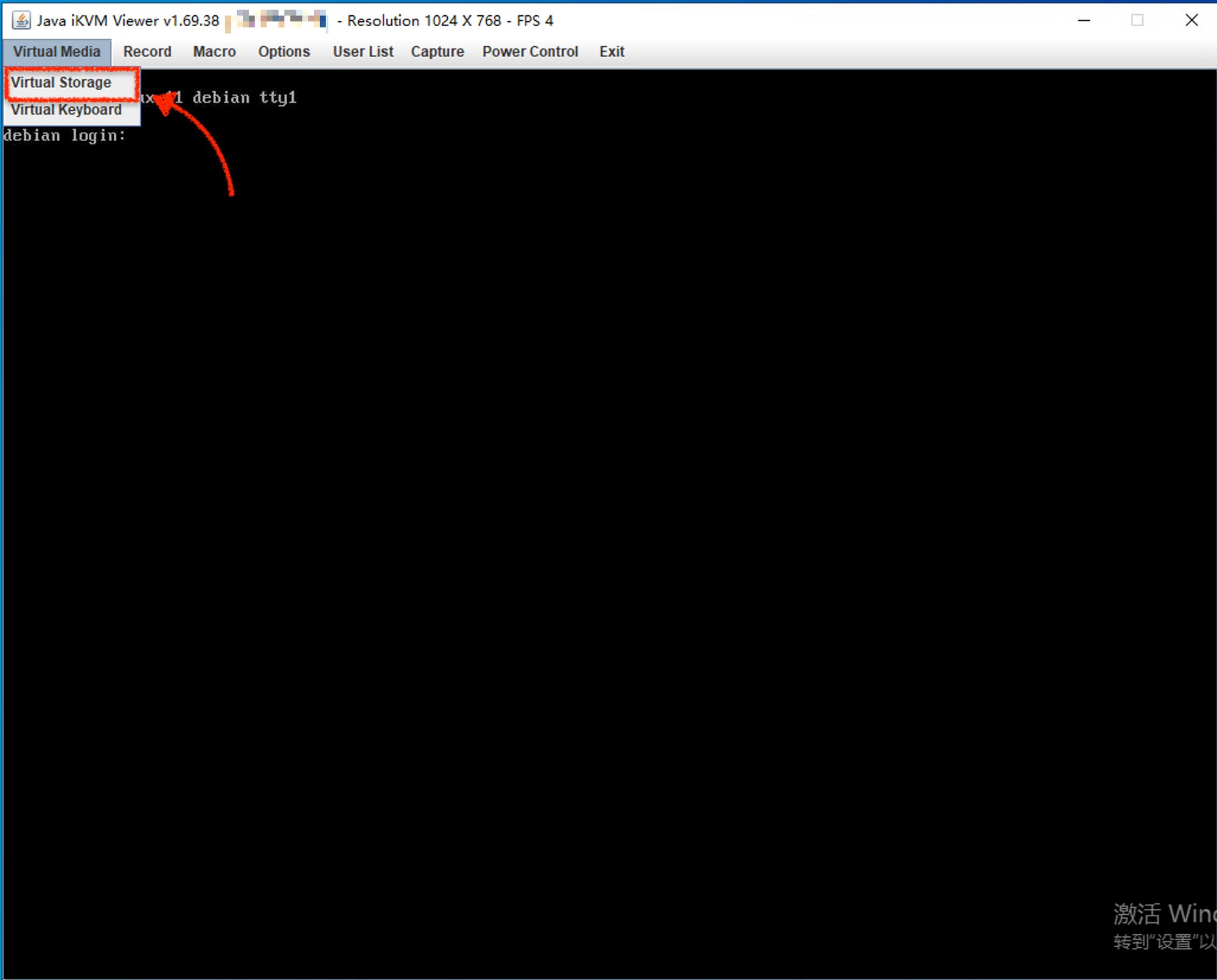
When you using ipmi, you need to mount iso to install os.
if you feel very slow and you have vps near by the dedicated server location, maybe you can think DD a windows, that way called netboot ,it’s a experience that shared from customers, not official
download netboot.xyz
go to netboot.xyz and download the iso file

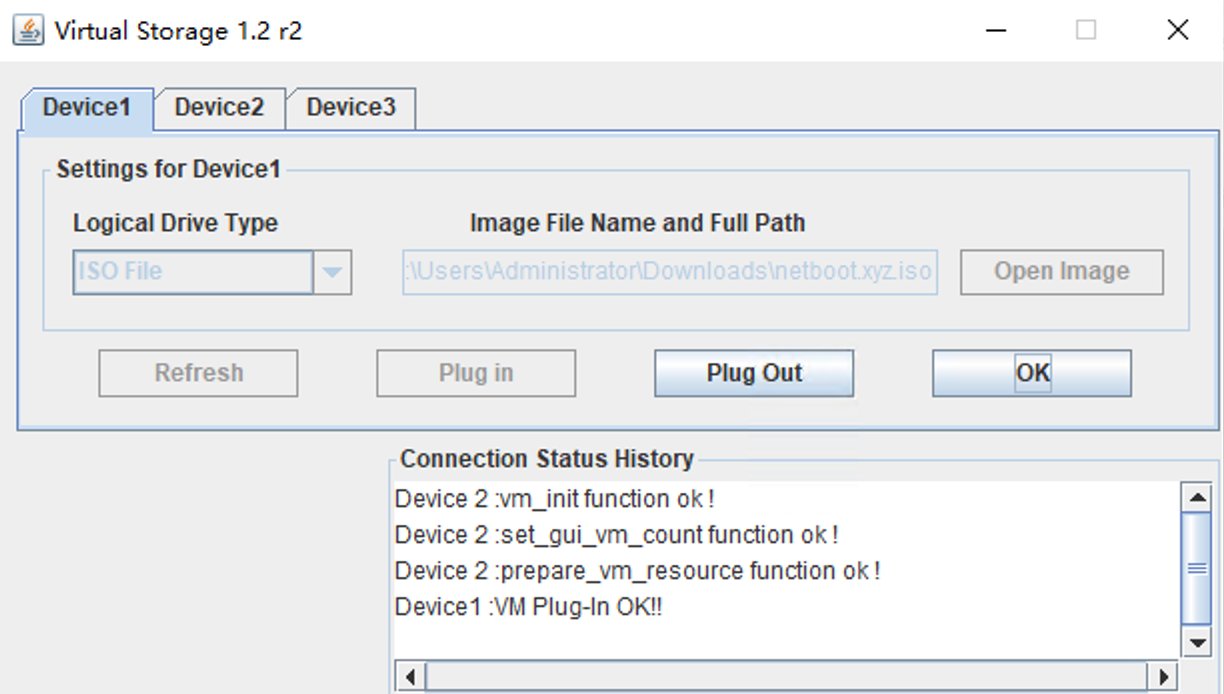
open the image and mount the iso

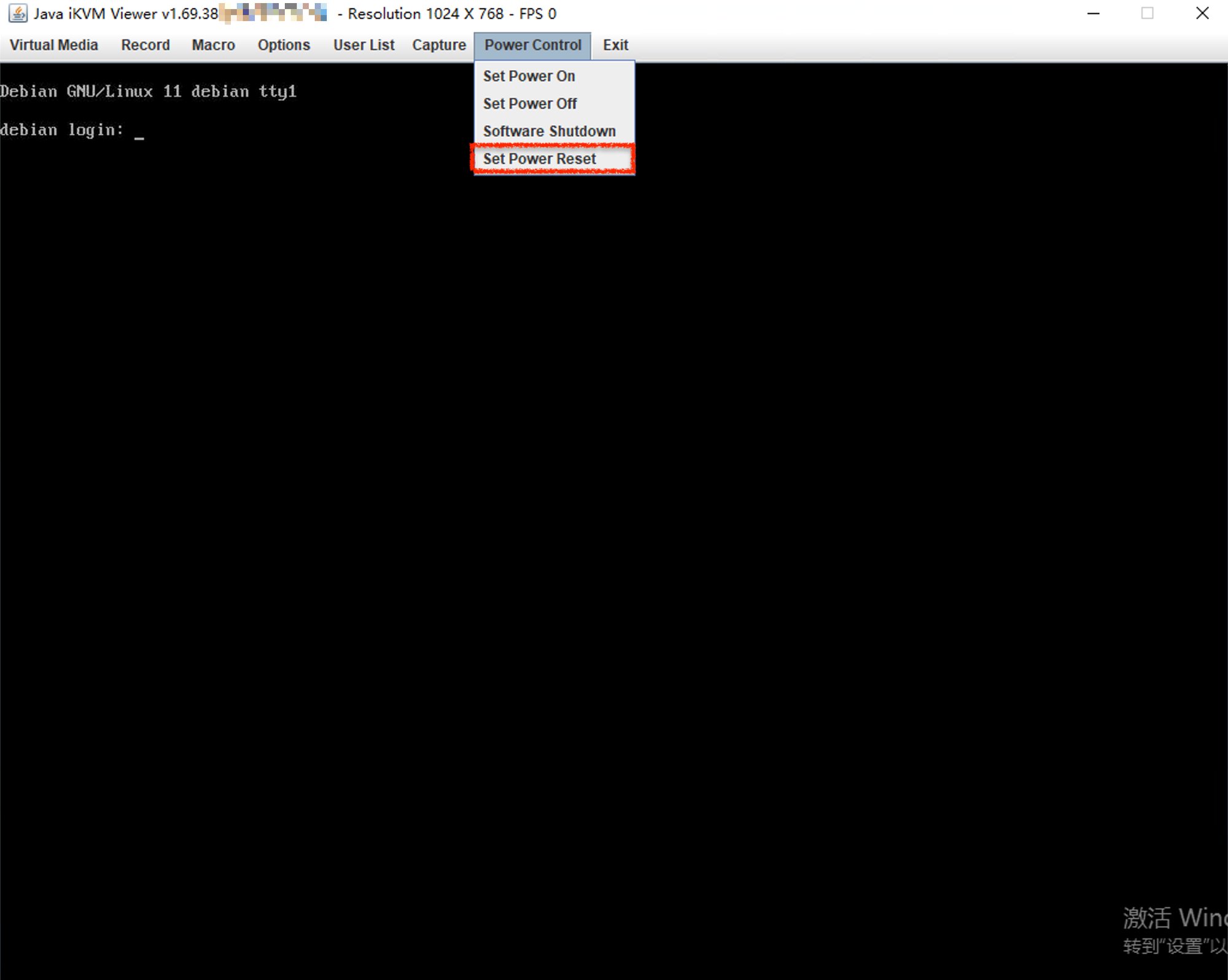
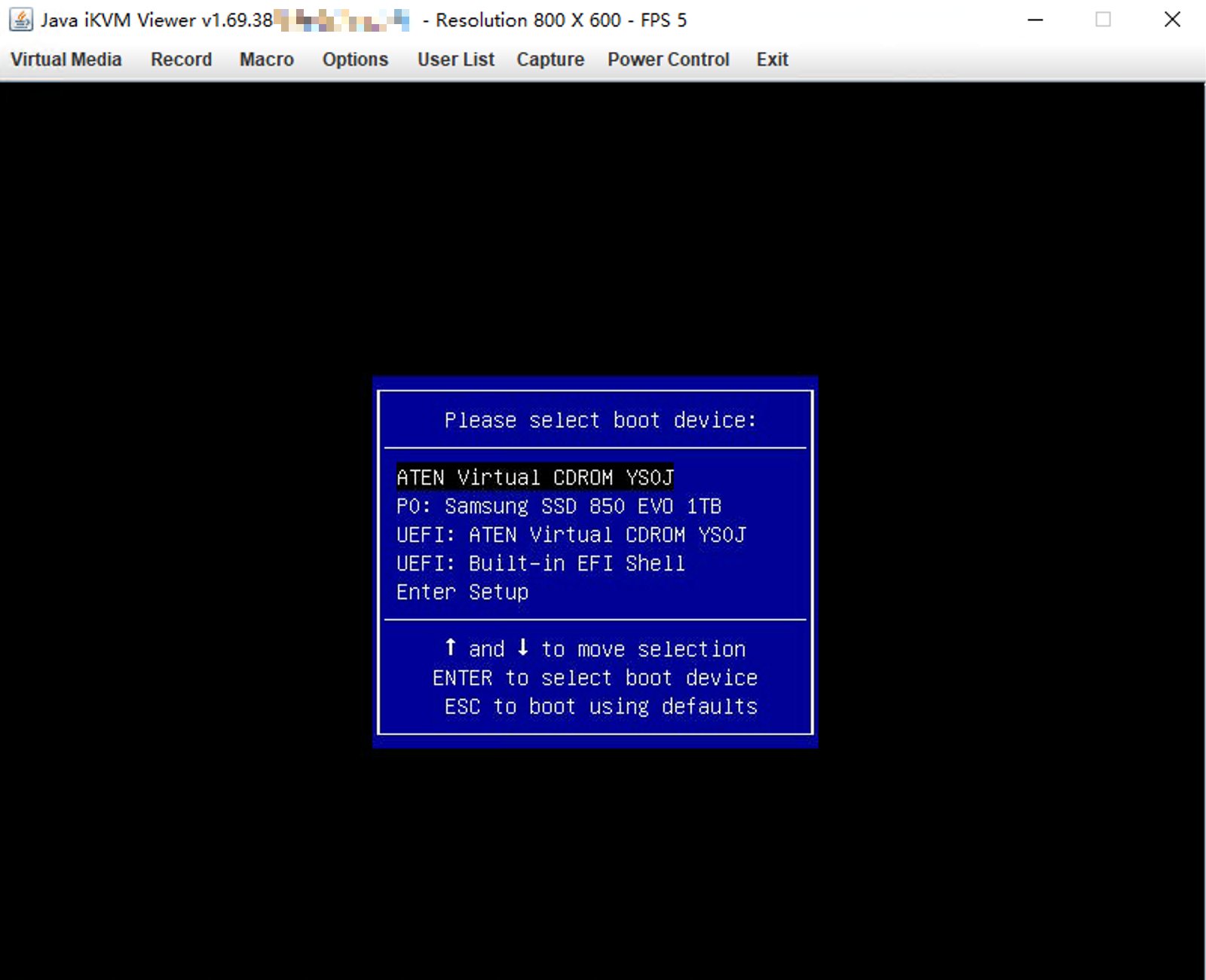
reboot the server, if CDROM is the first option, then boot it directly, or you need use F11 to boot menu and choose CDROM


config netboot.xyz
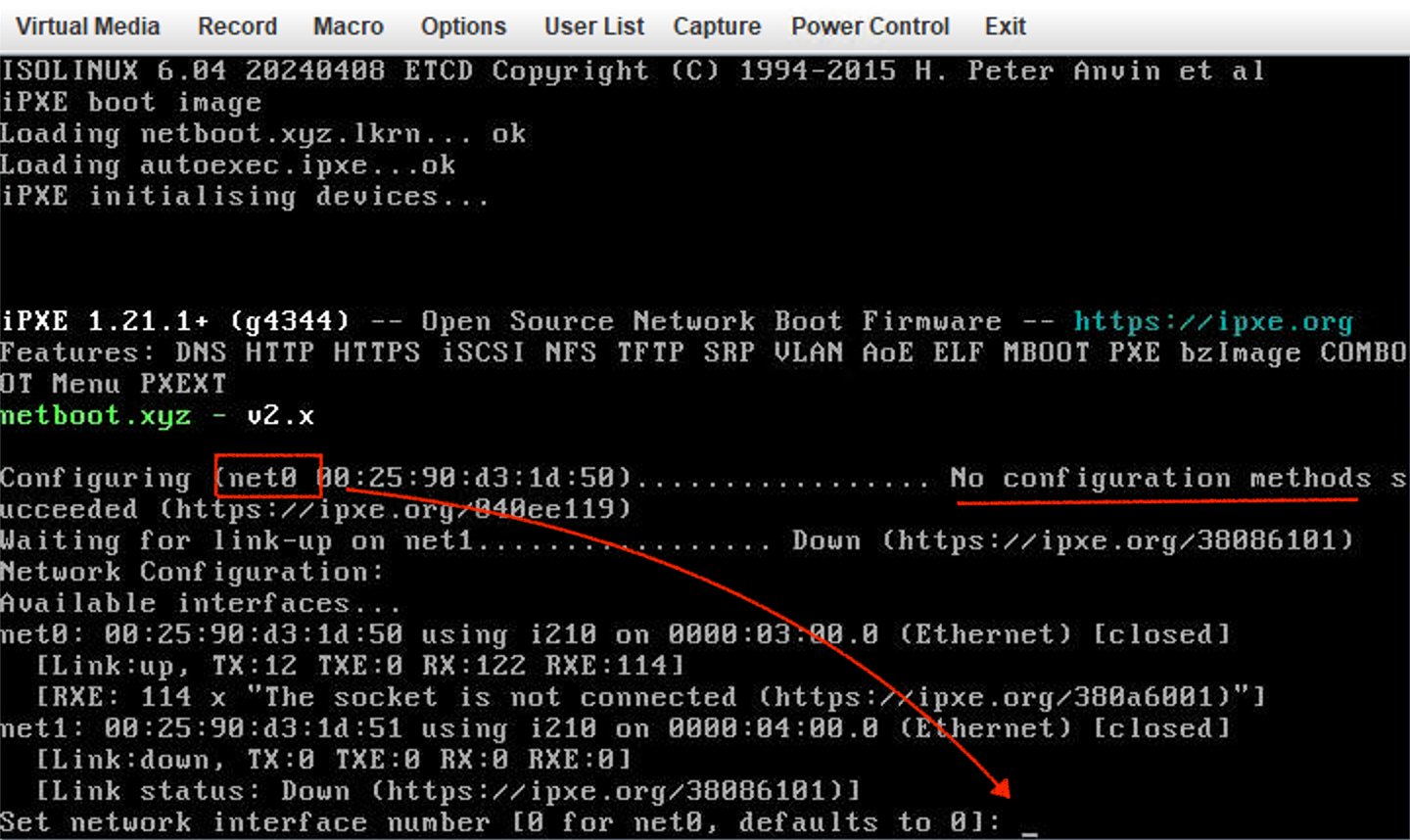
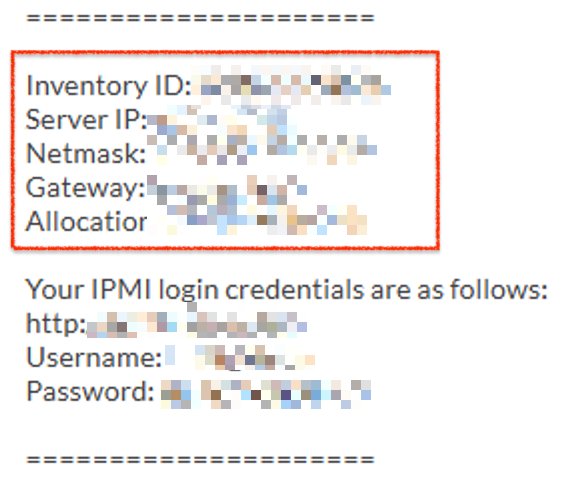
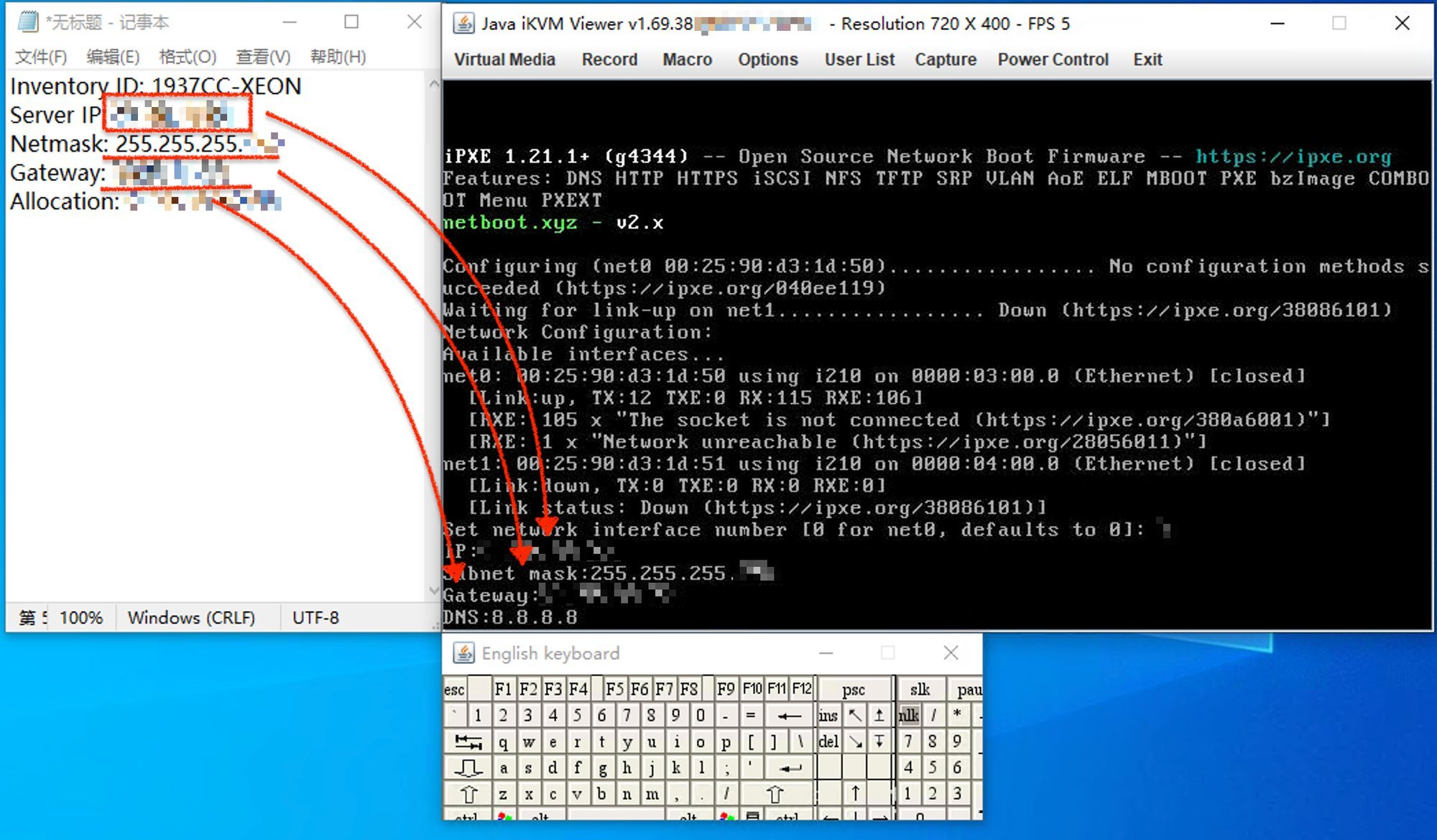
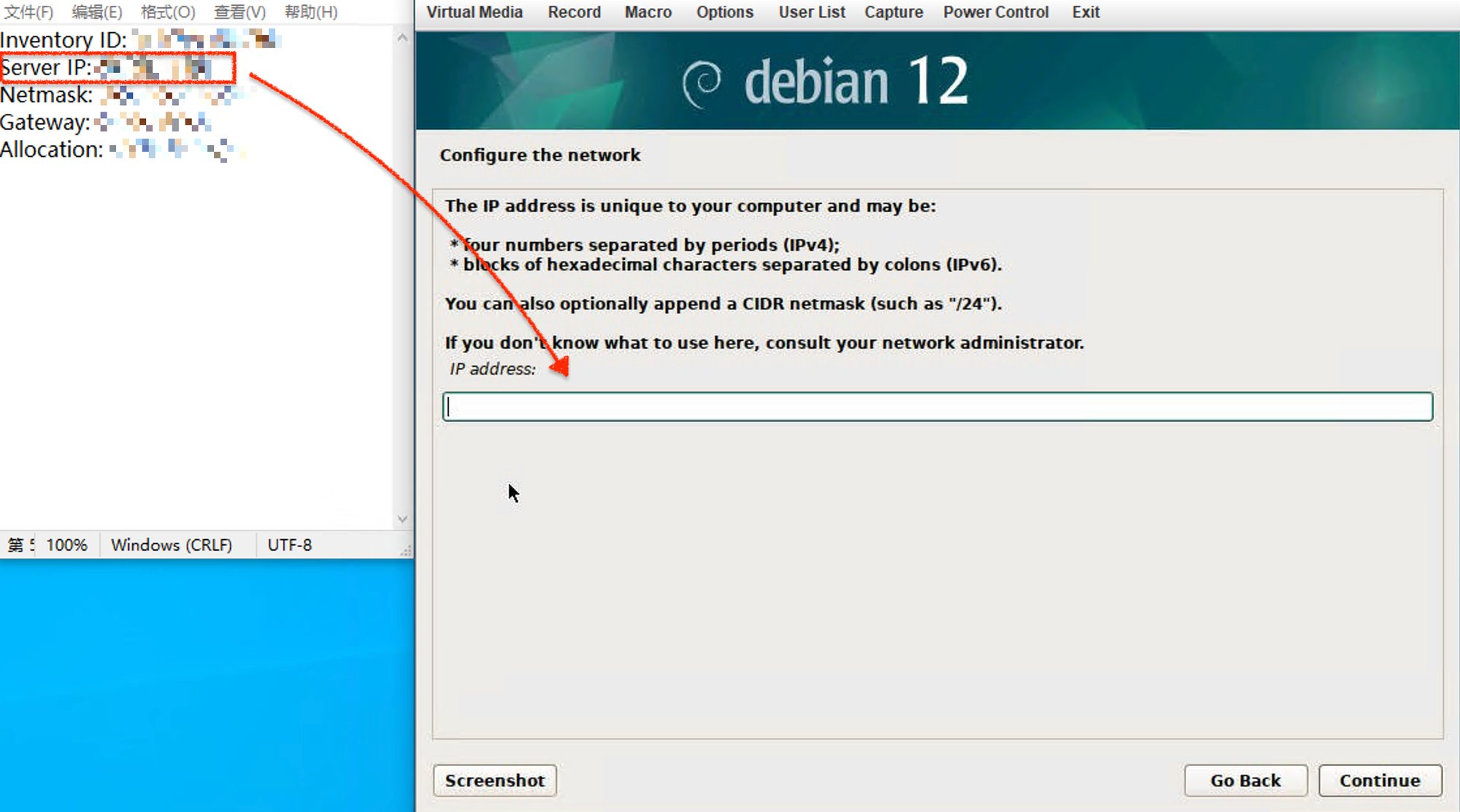
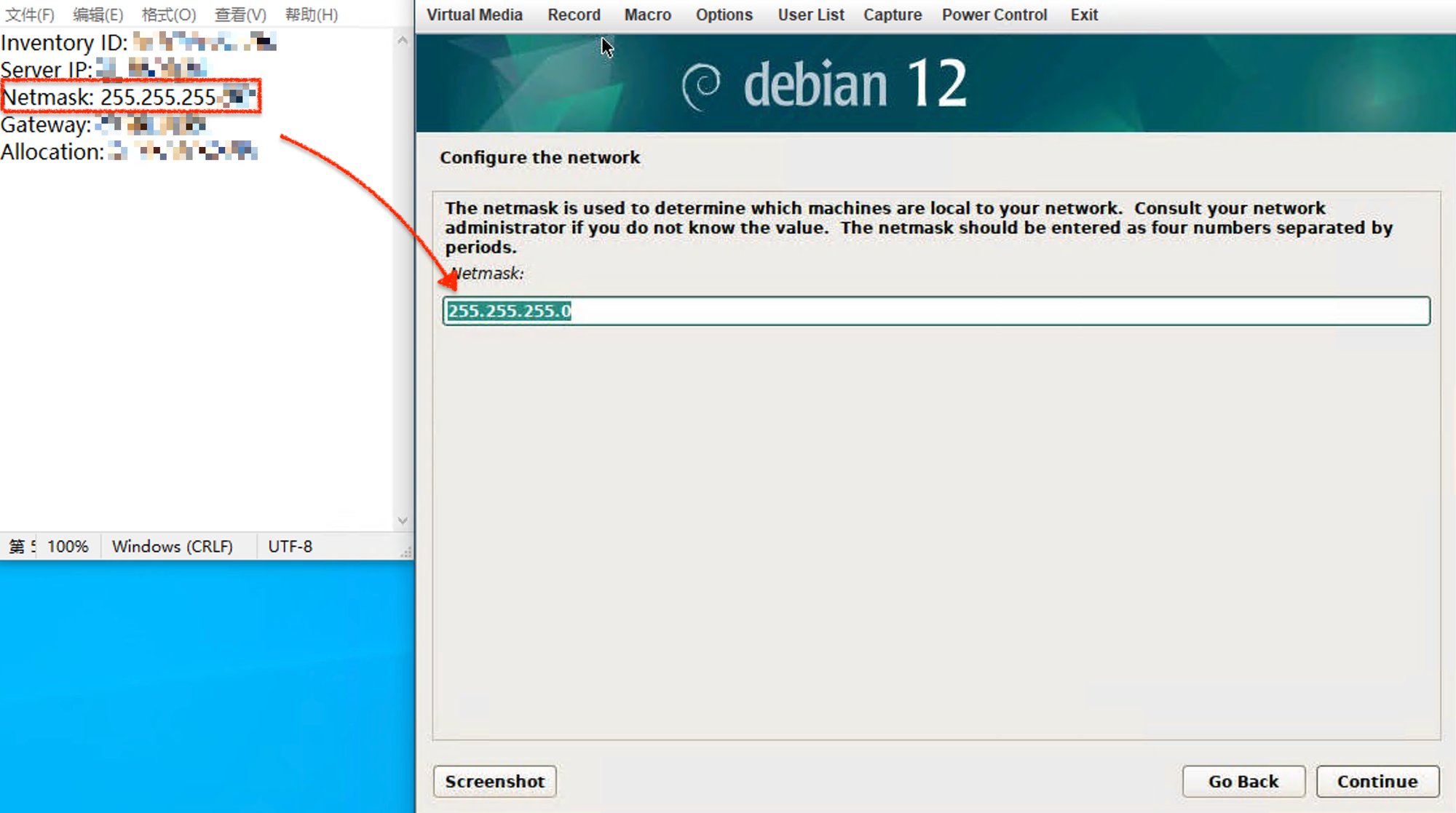
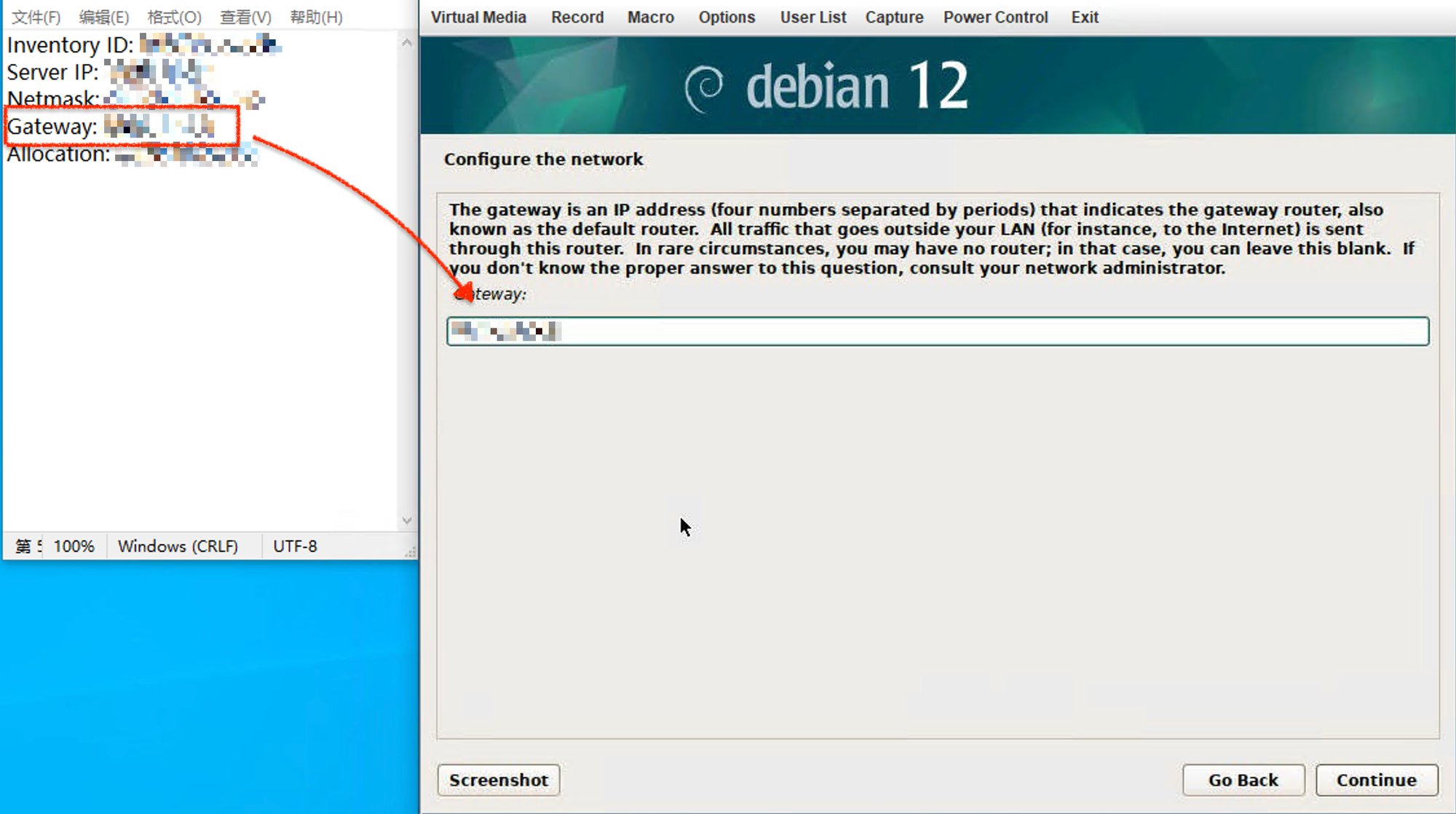
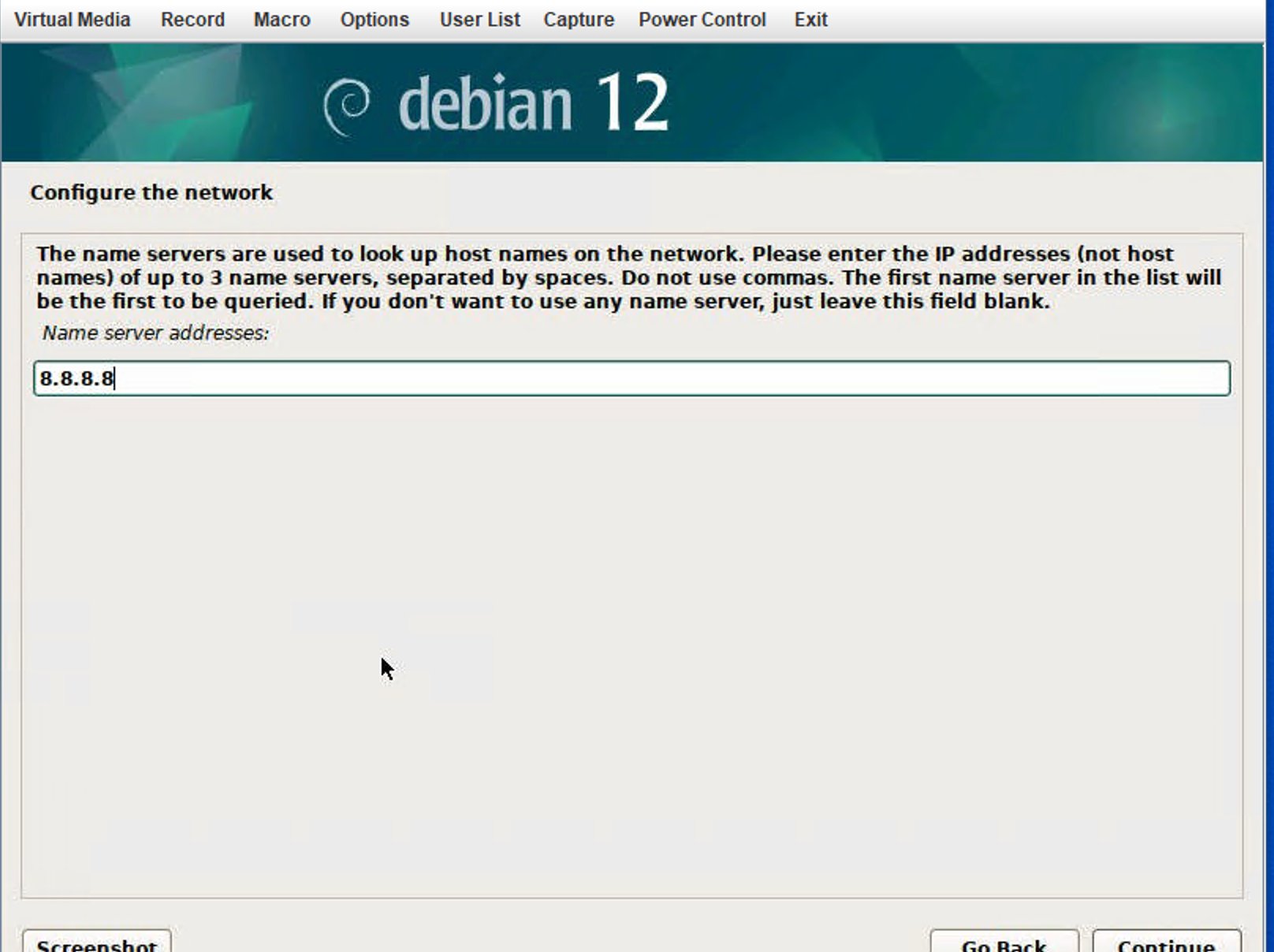
colocrossing server don’t have IPv6 and don’t have DHCP server , so will stop at this status, fill in the ip which sent to your email

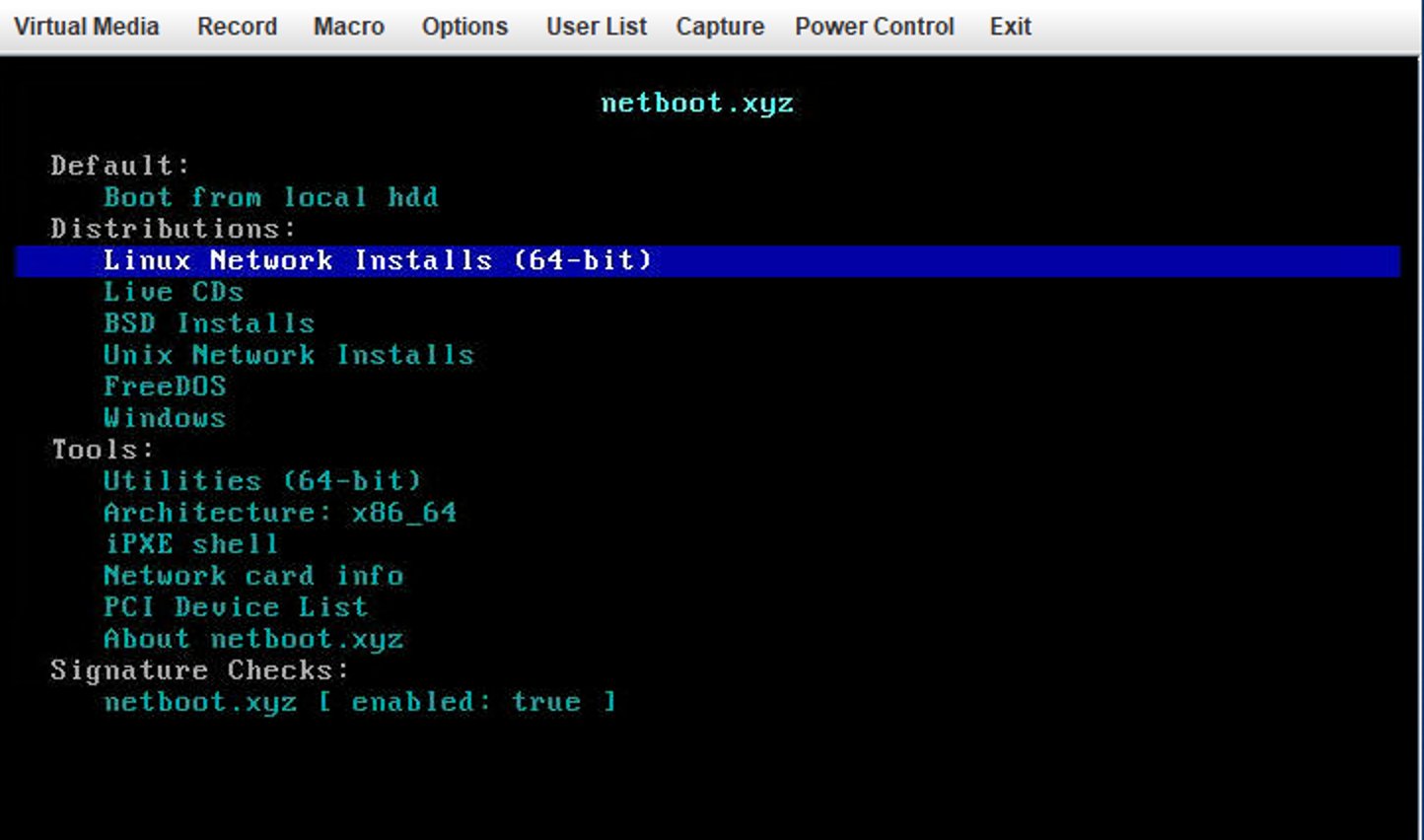
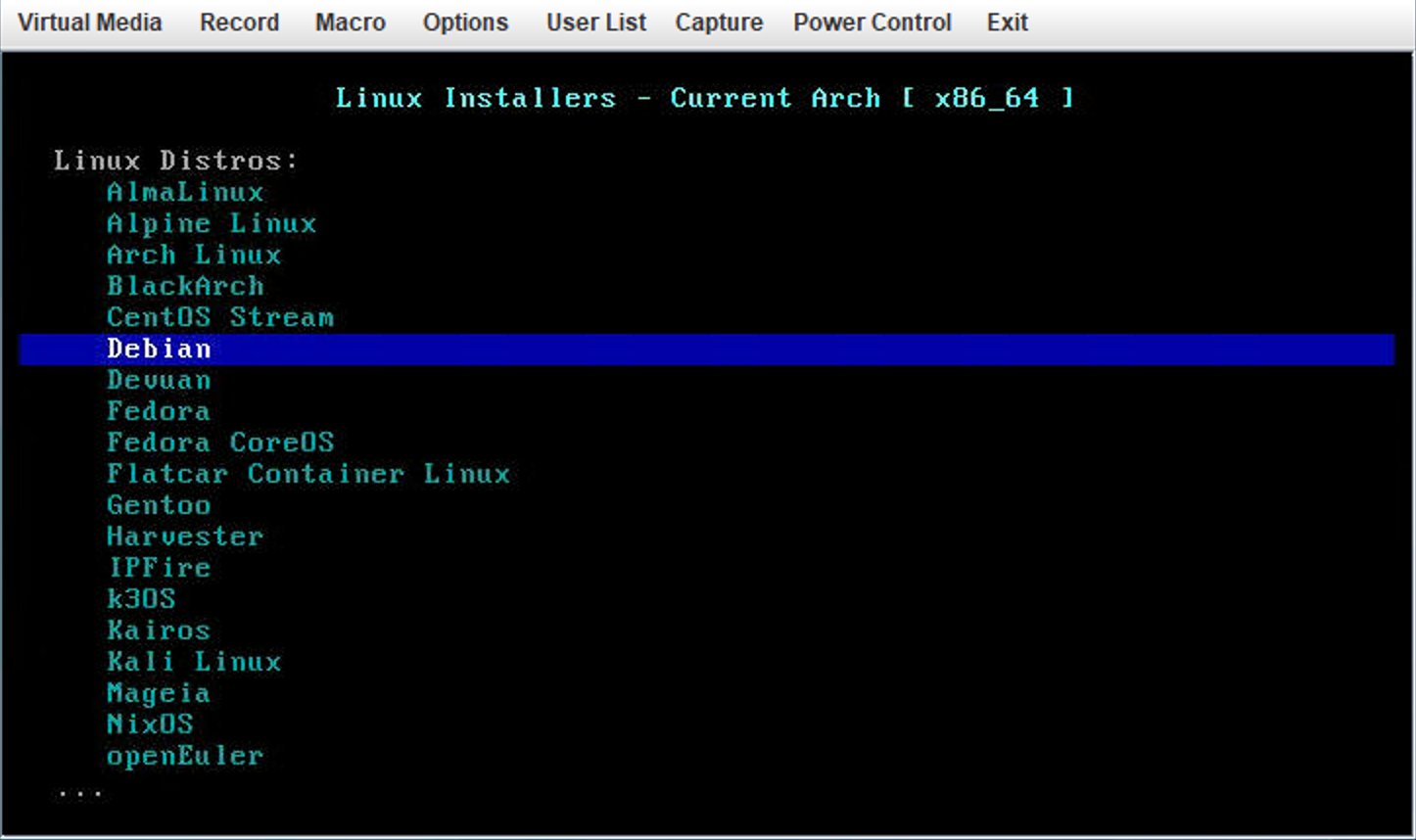
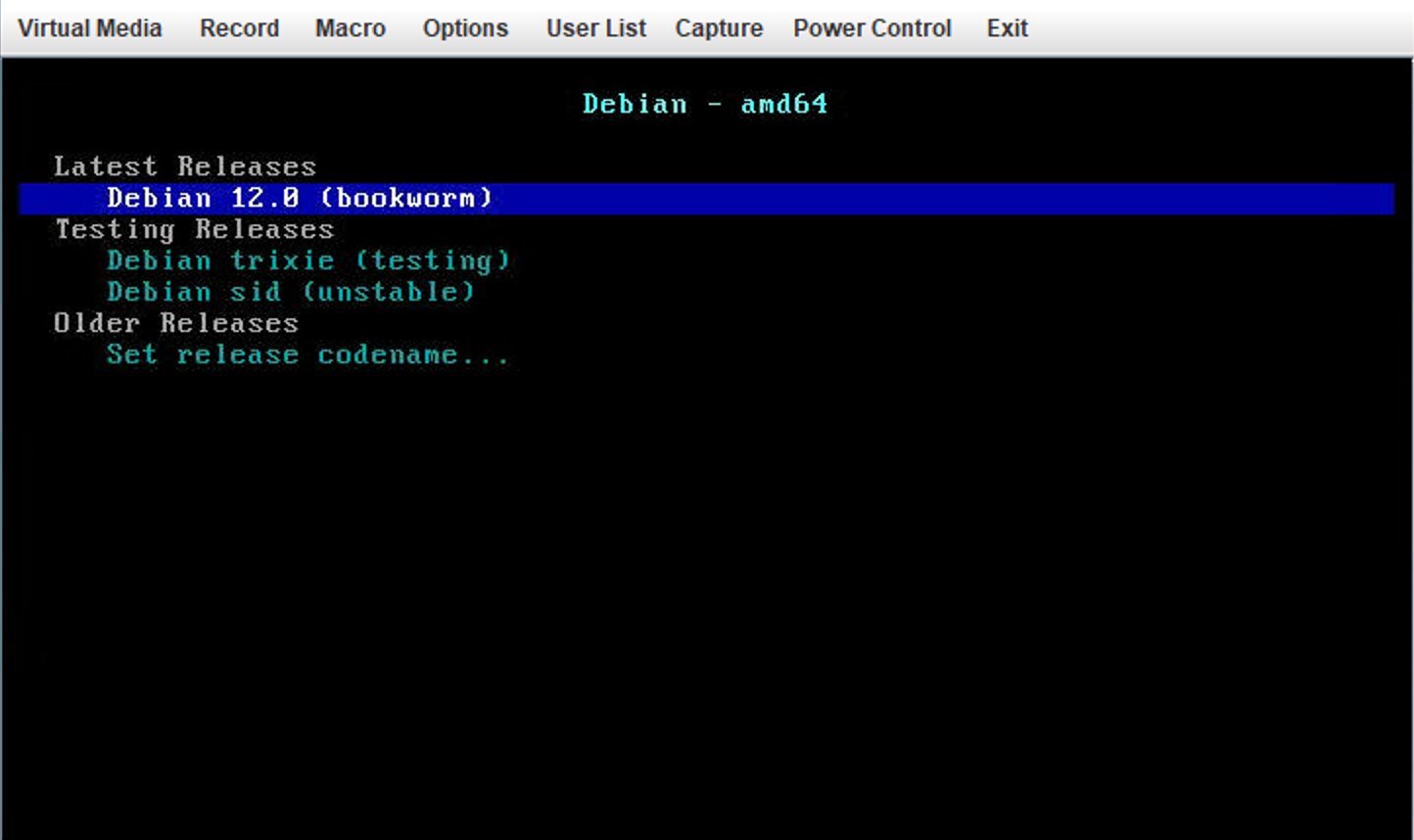
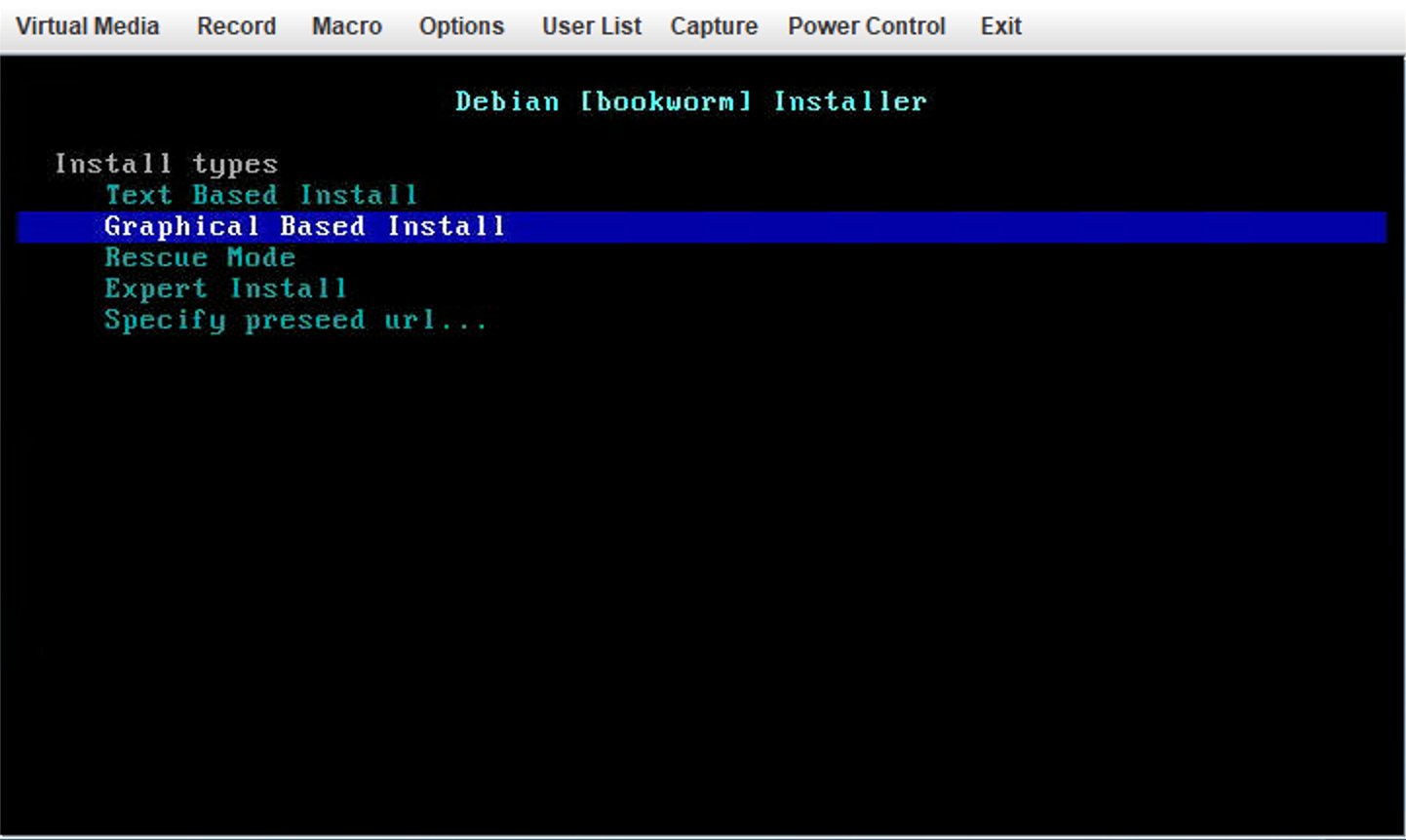
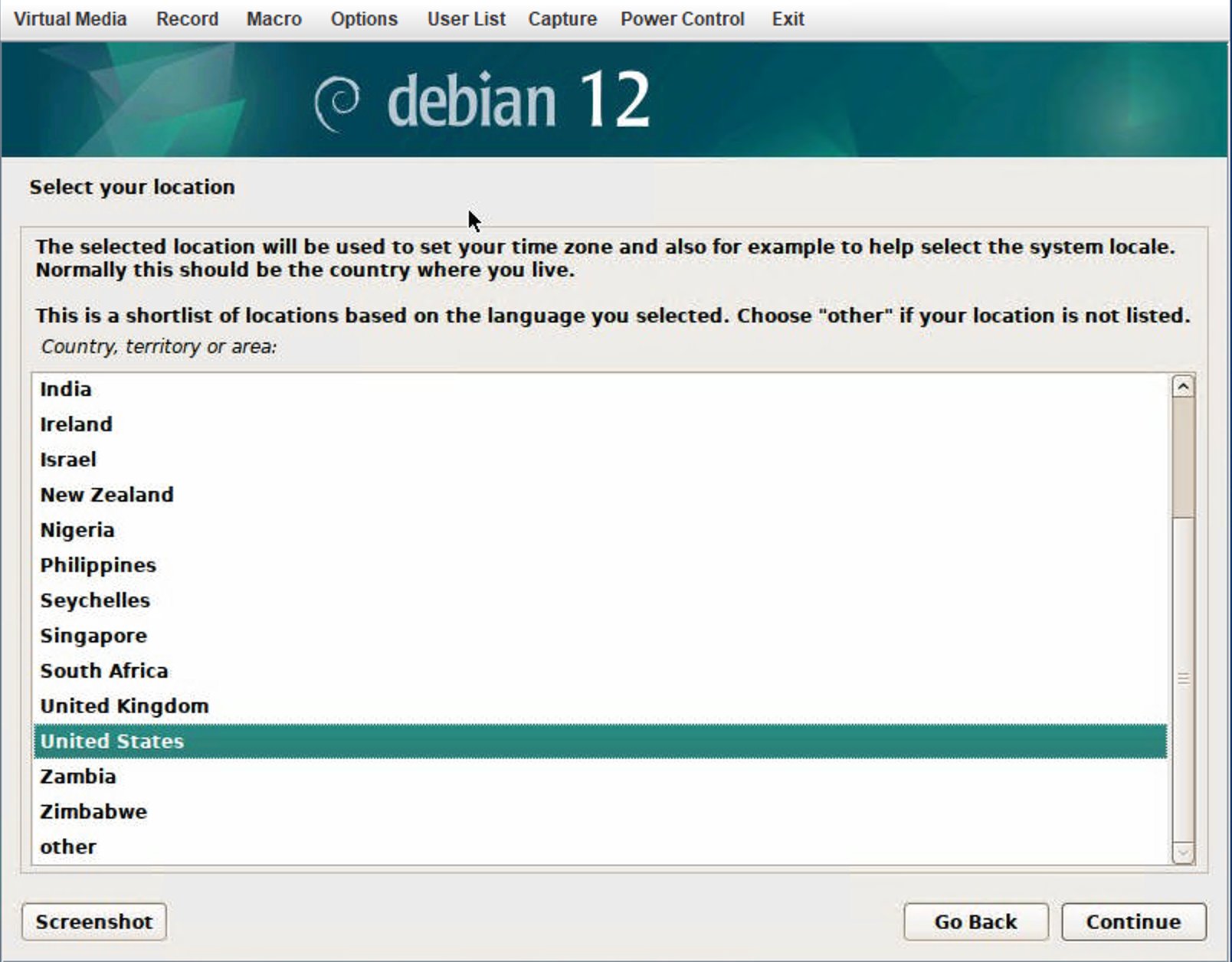
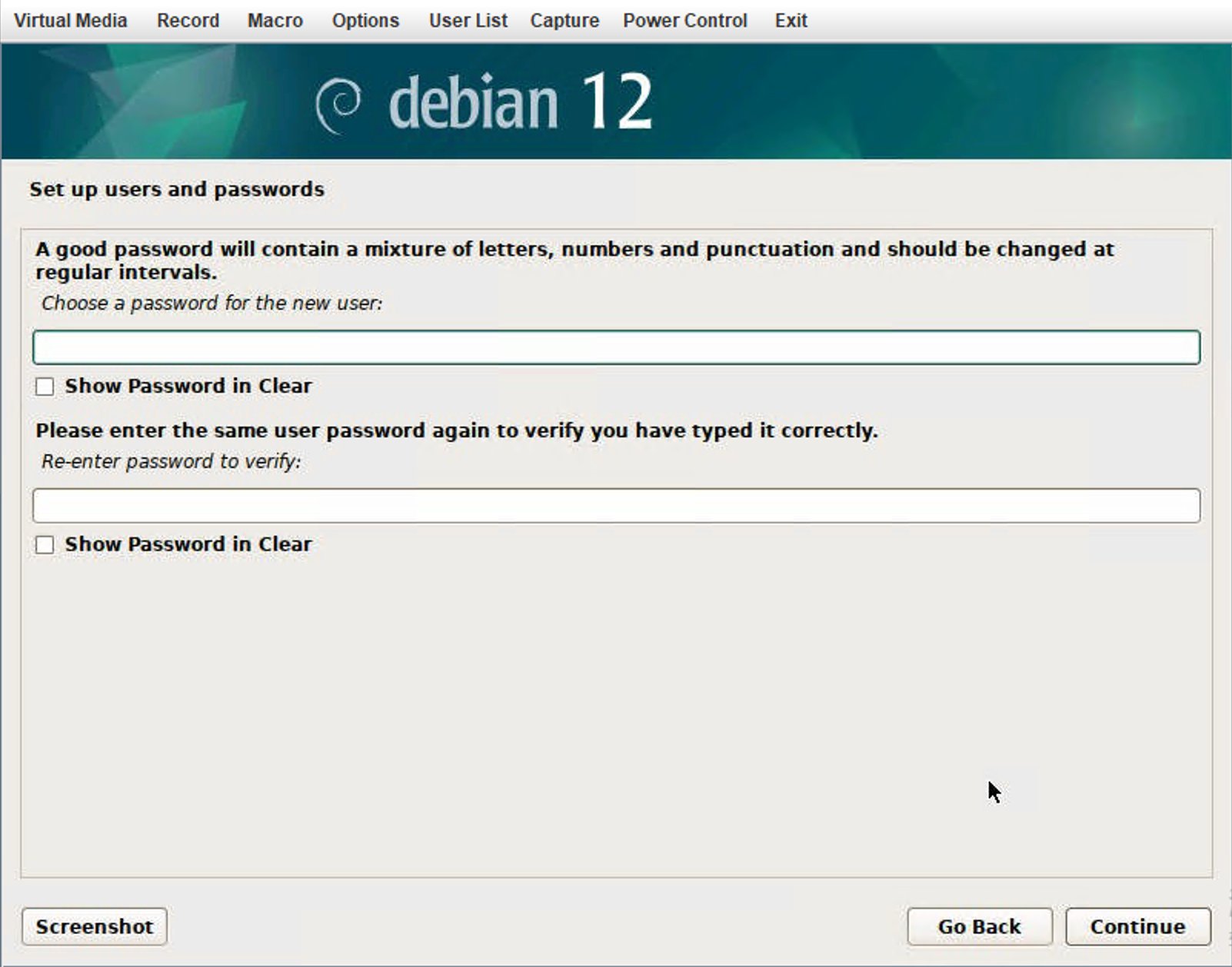
choose network installs and pick your os, here is a example of Debian



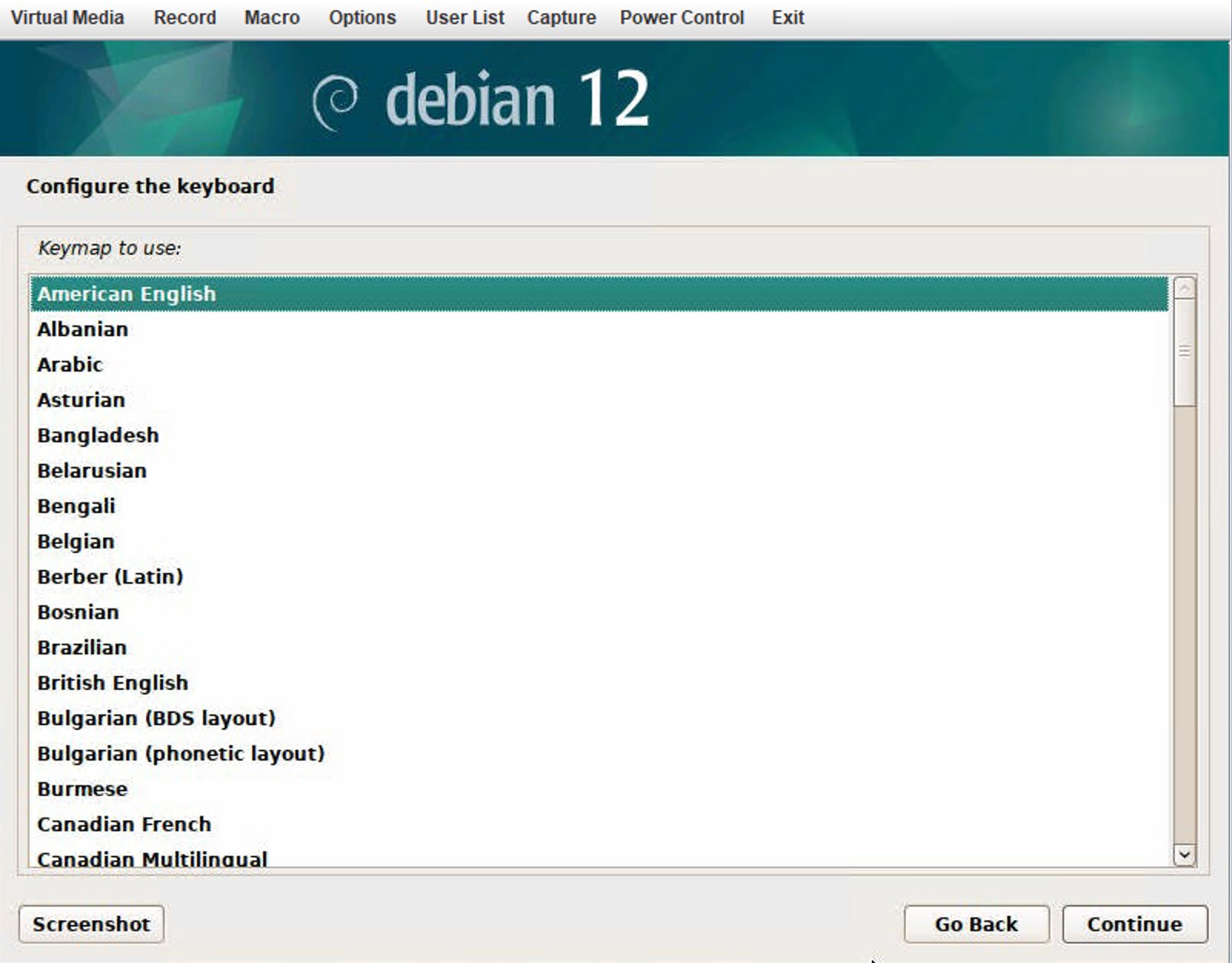
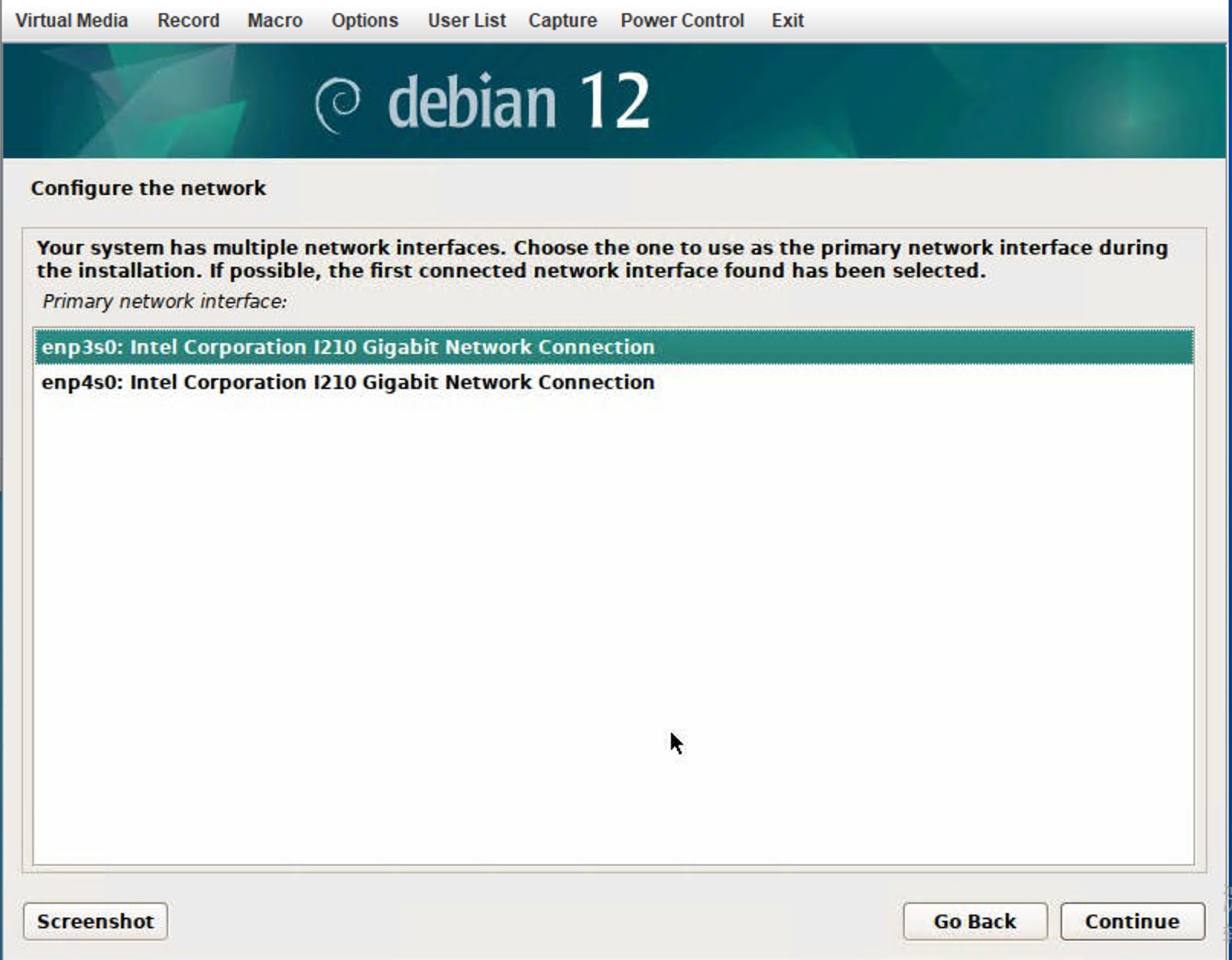
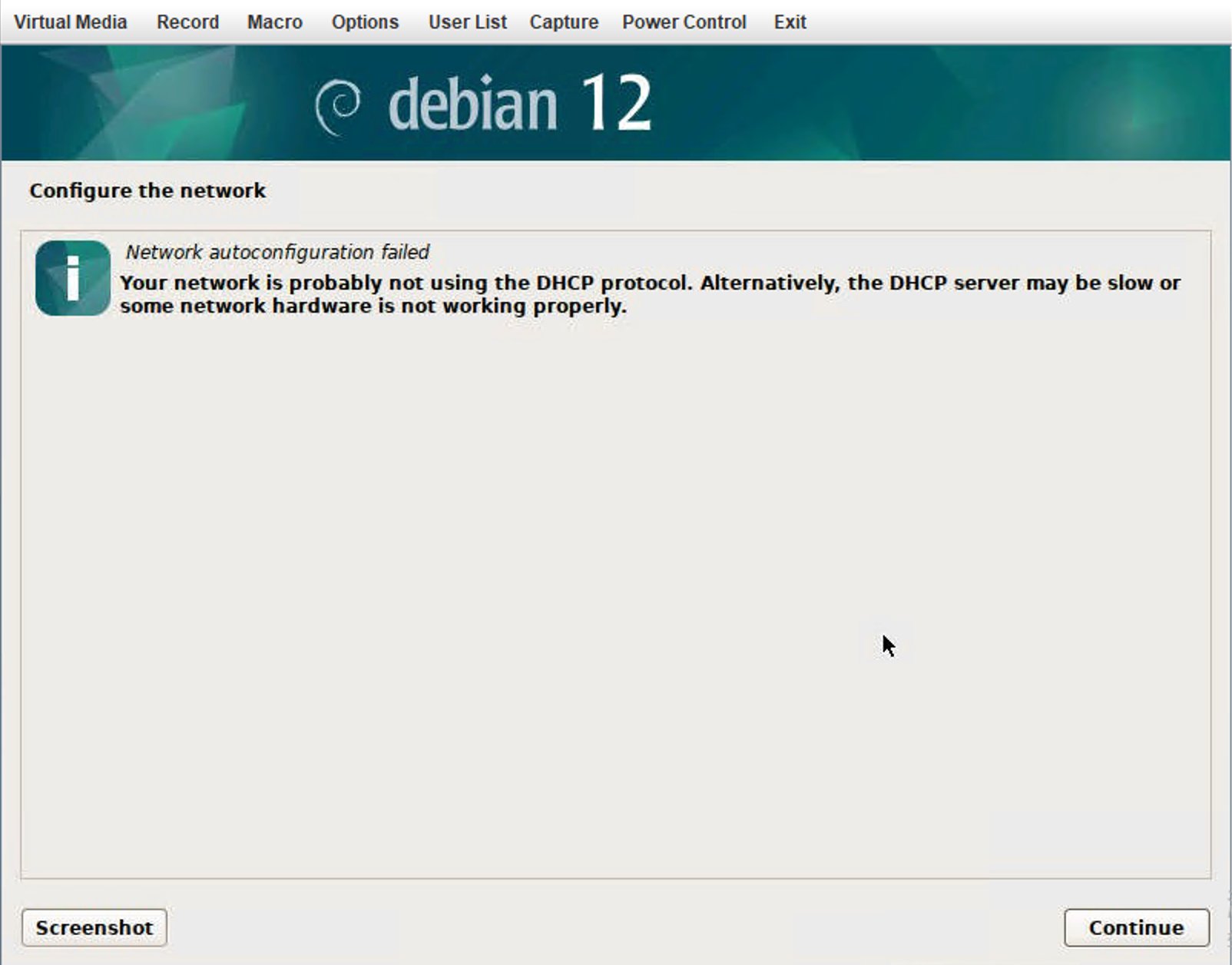
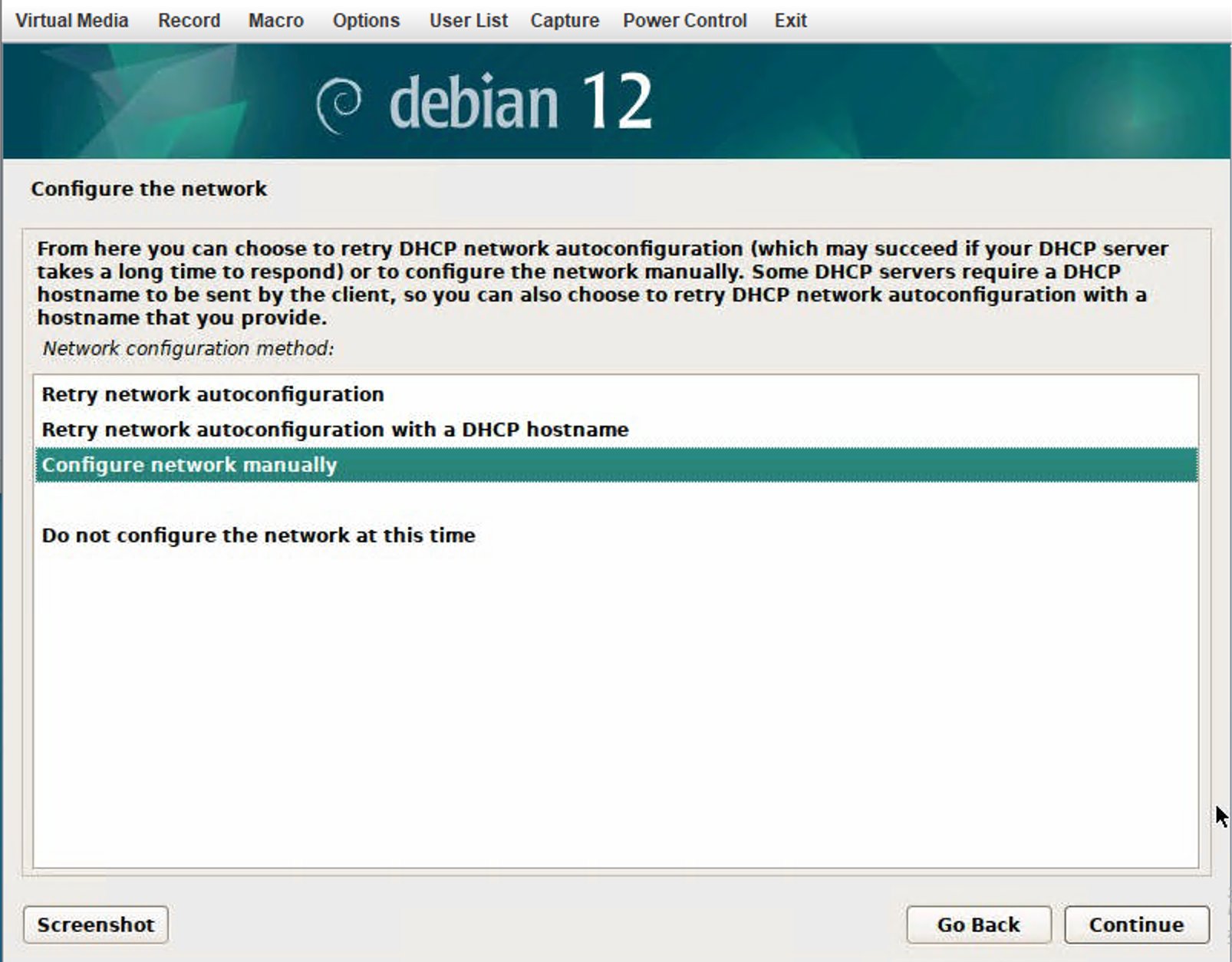
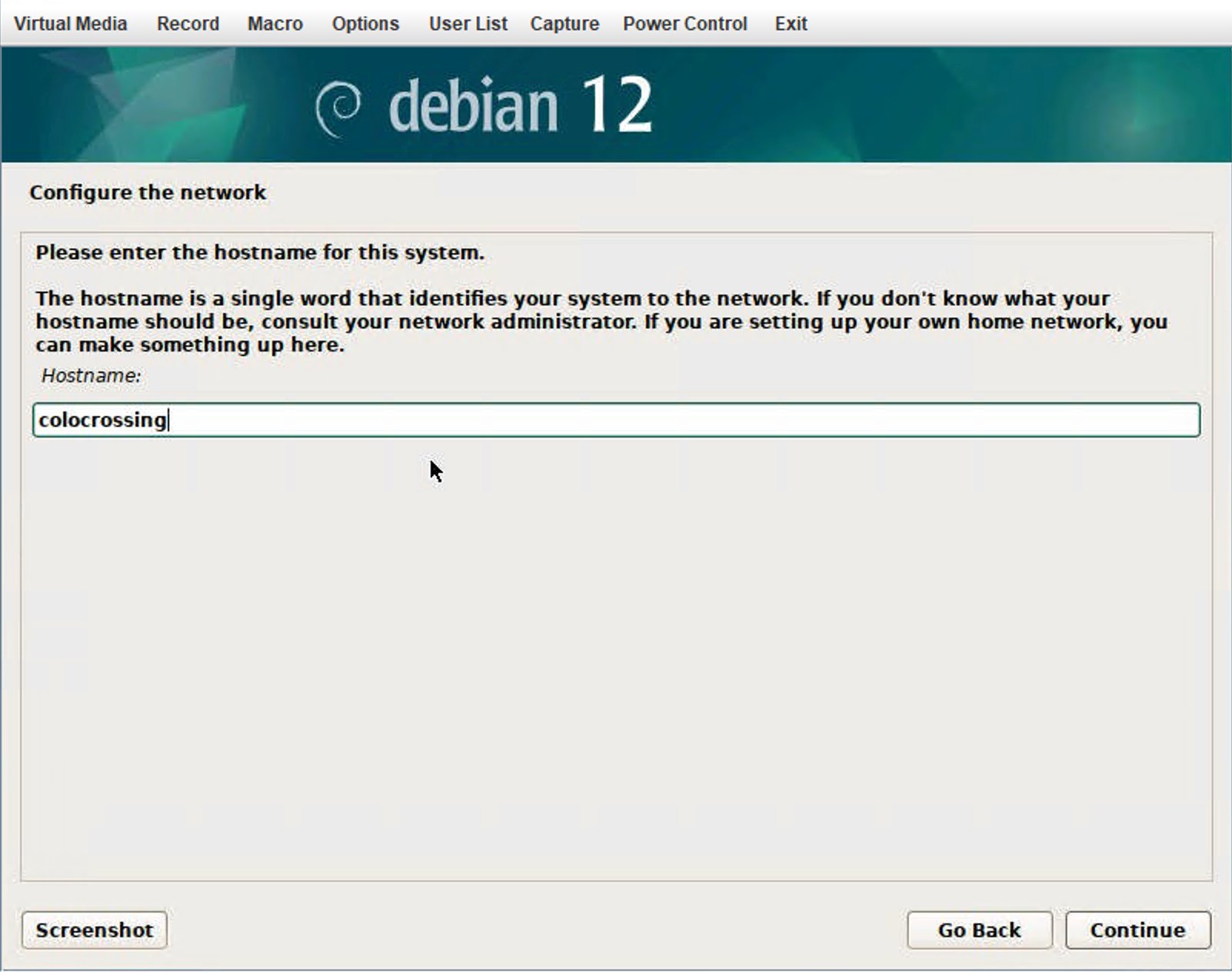
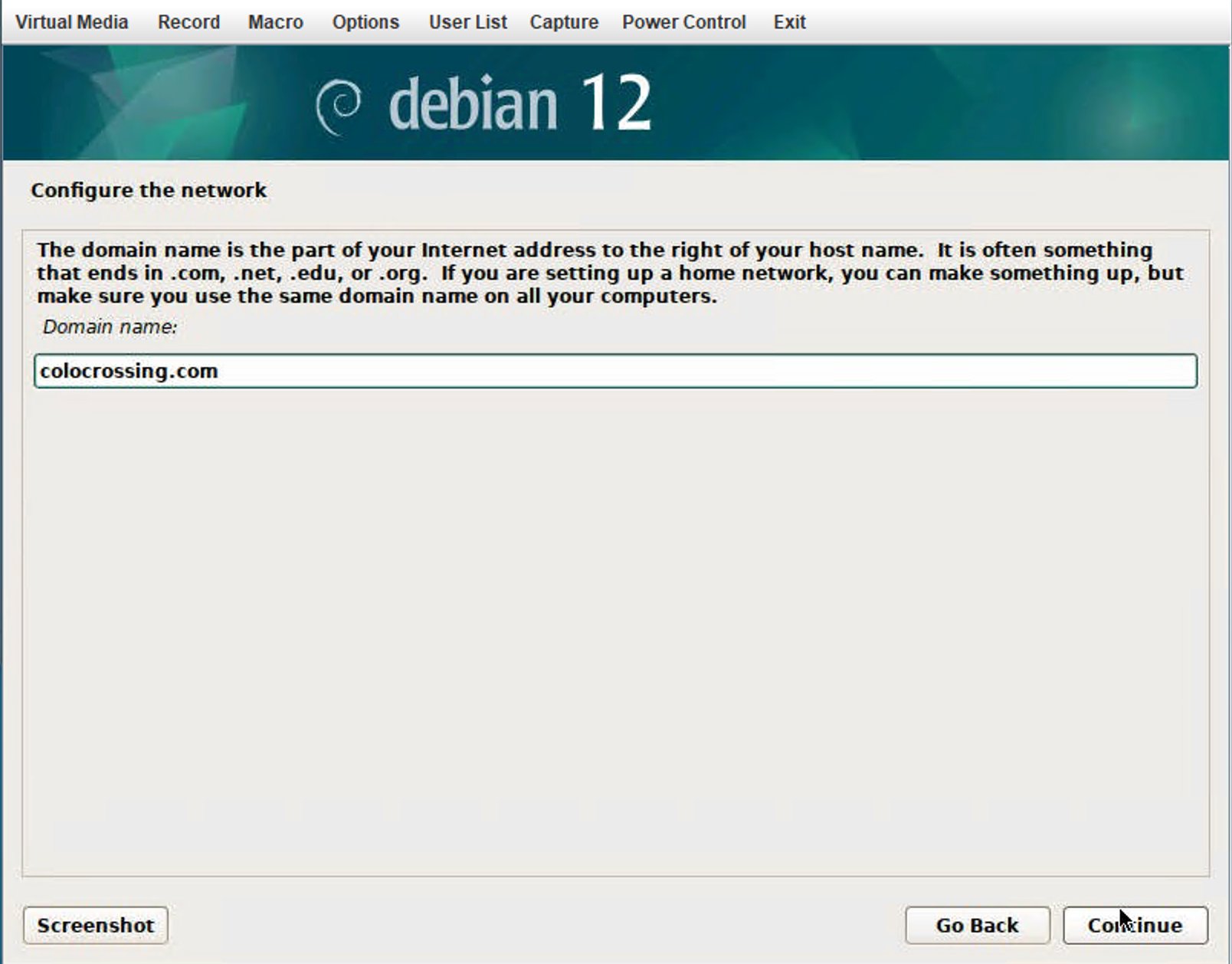


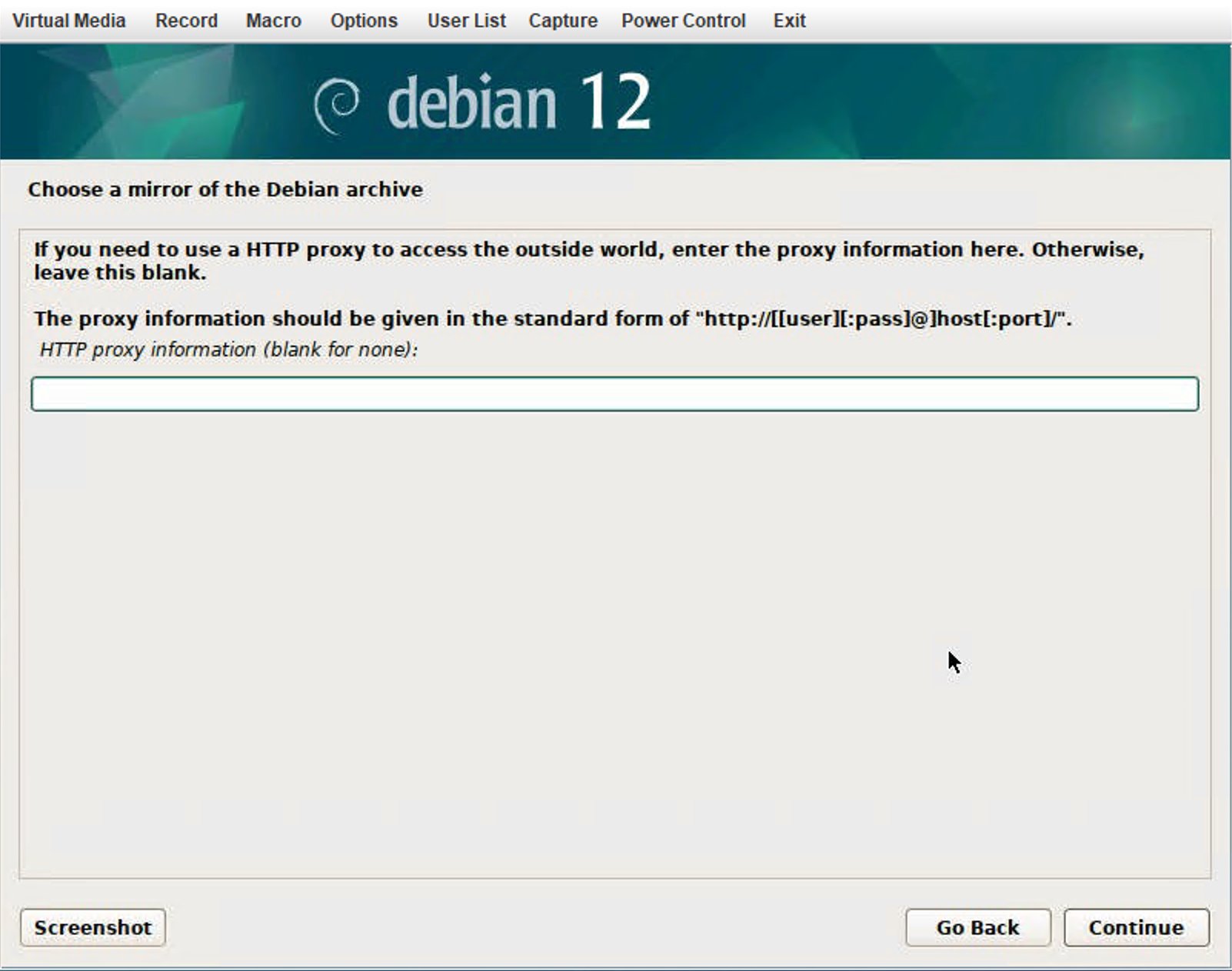
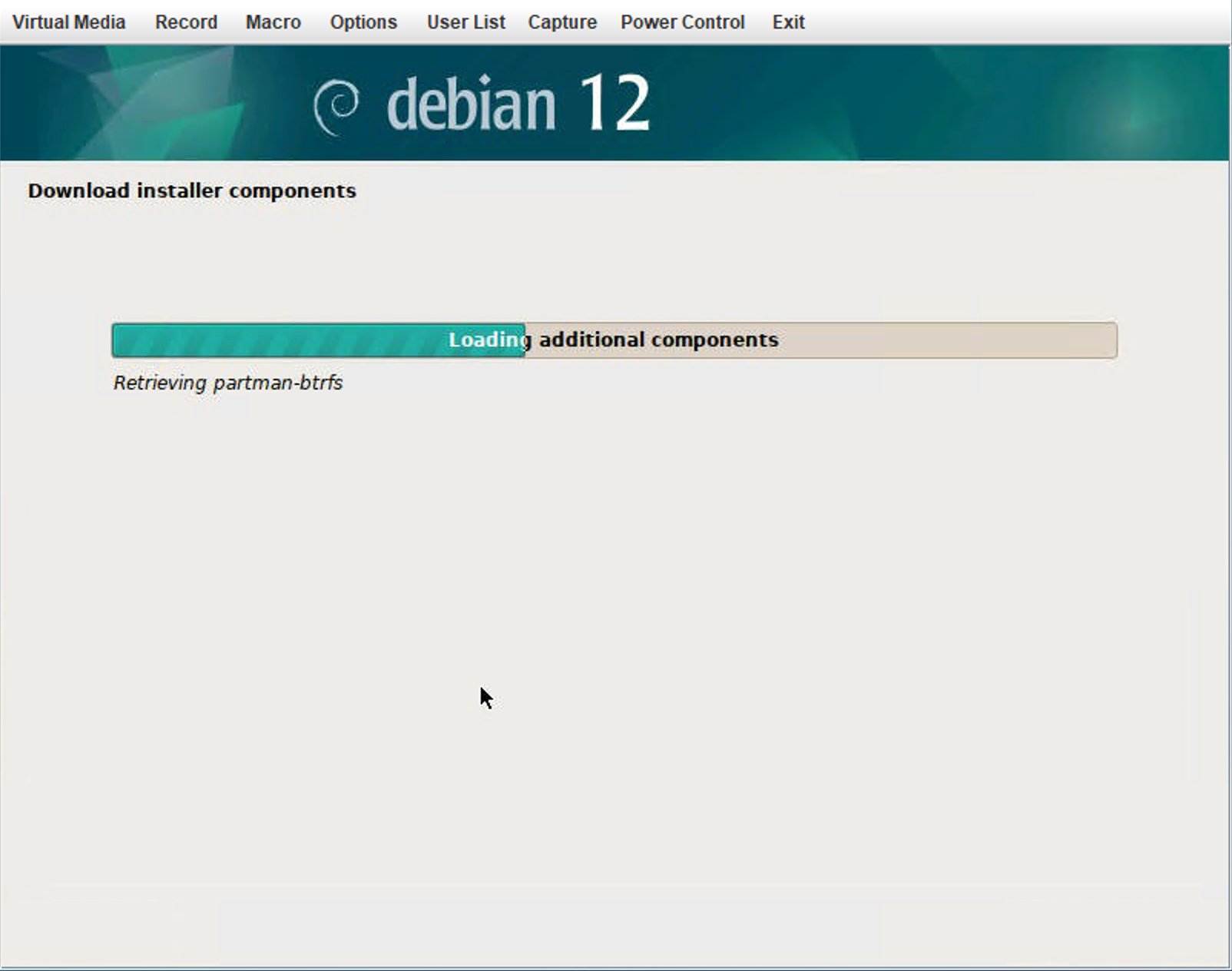
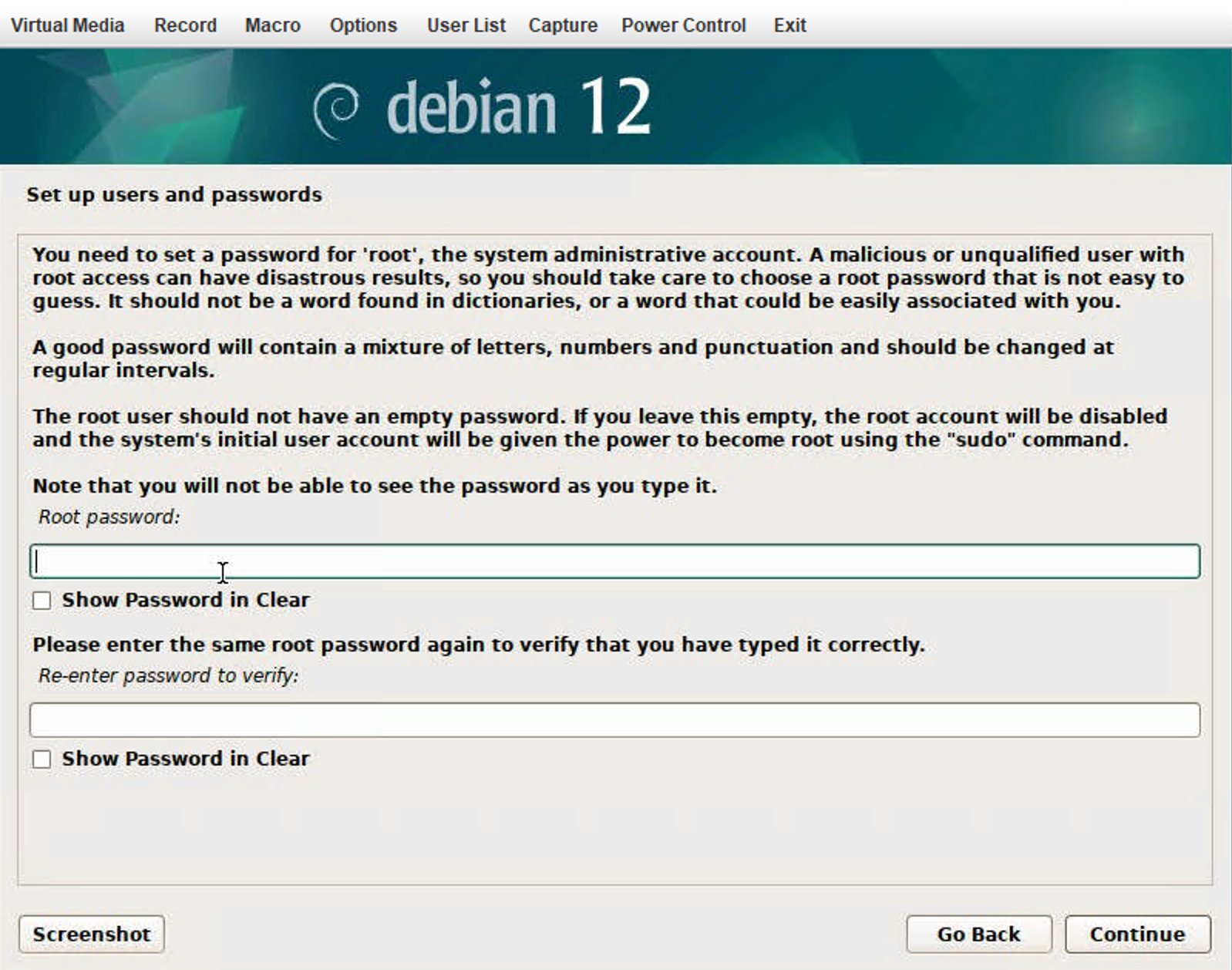
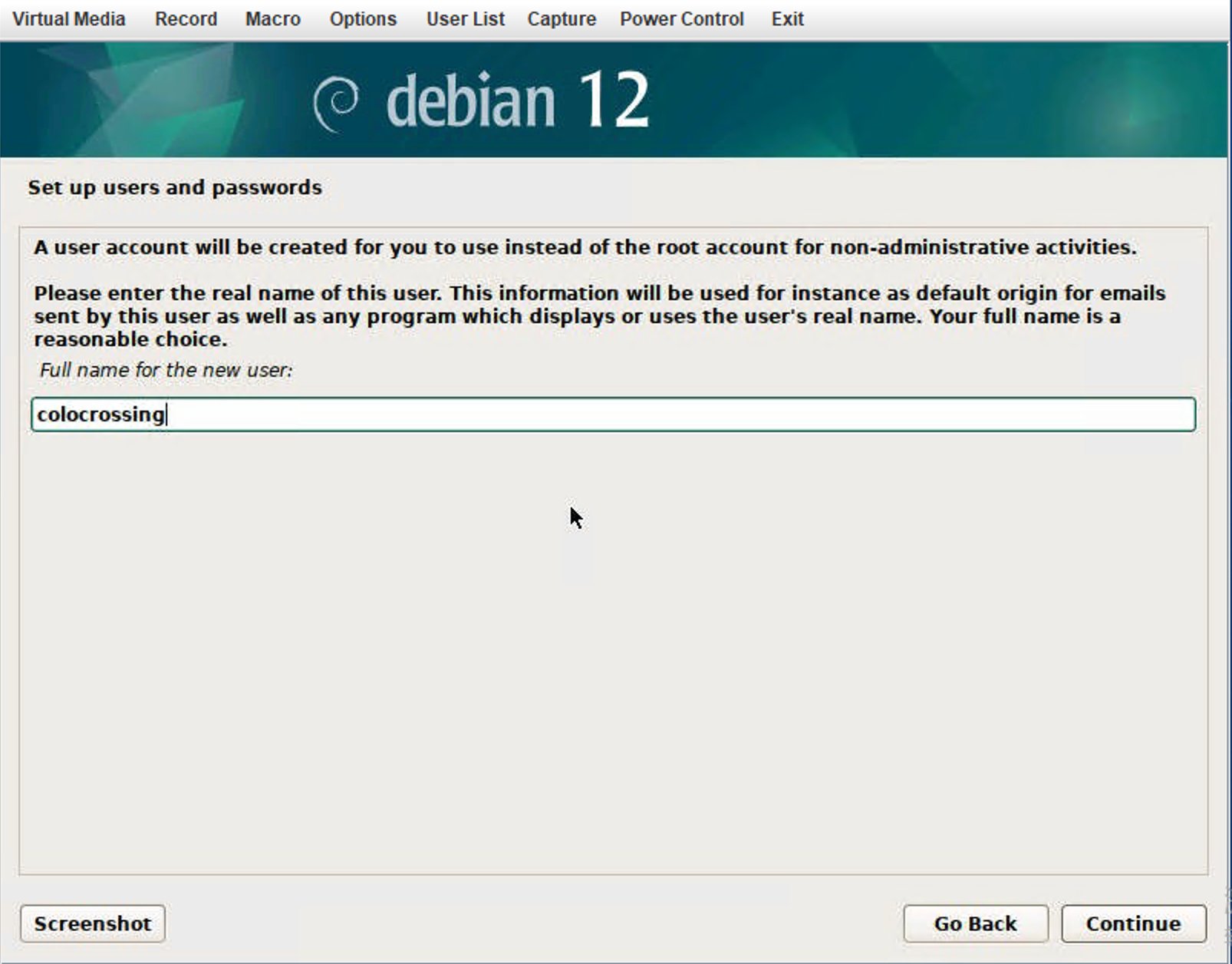
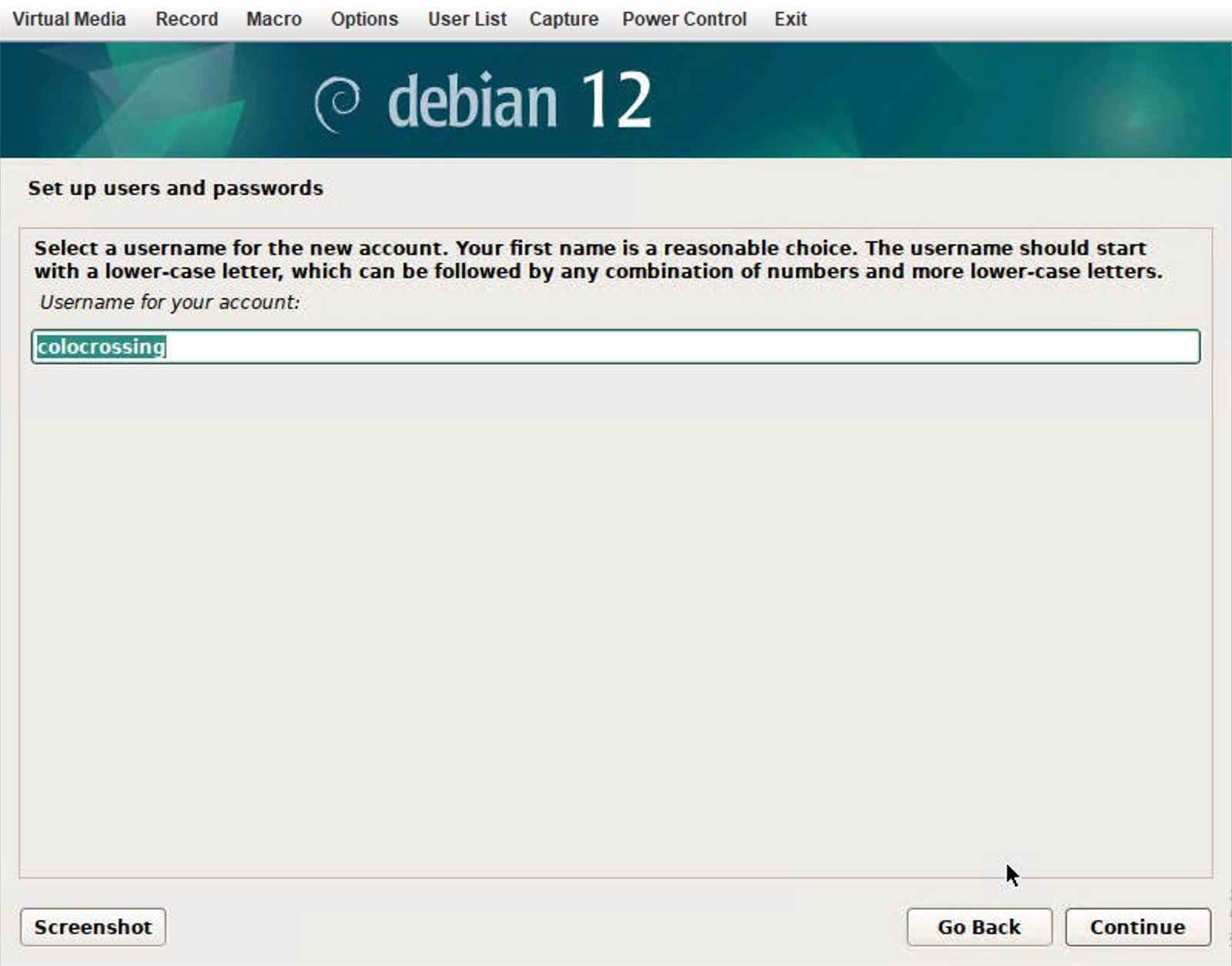
login system
use SSH connect the server, the username is xidcn, the password is what you set
use su and type your root password, then you can change to root user
DD system
if the os you still don’t like, you can DD the system, here is a script from github
as it already installed the os, so you can directly DD without set IP first download the os
wget --no-check-certificate -qO InstallNET.sh 'https://raw.githubusercontent.com/leitbogioro/Tools/master/Linux_reinstall/InstallNET.sh' && chmod a+x InstallNET.shthen DD debian11 default password is :LeitboGi0ro
bash InstallNET.sh -debian 11now you can reconnect the server, don’t forget the username is root